
 Defining E-Mobility
Menu
Configure, tune and update your controller from a PC.
One Windows tool for parameters, lookup tables, auto-tuning, firmware updates and live monitoring. Built on ISO 14229 UDS and ISO 15765-2.
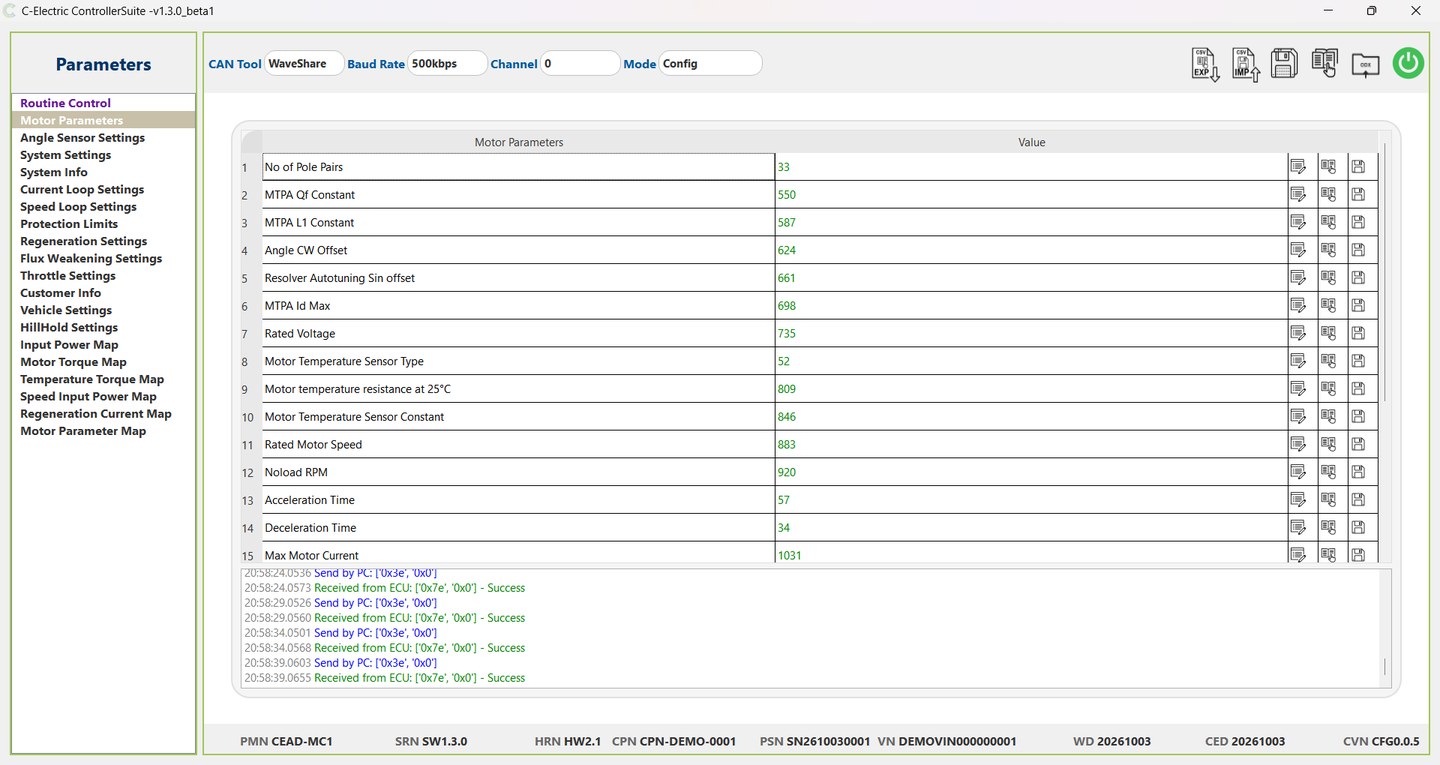
Change parameters with their definitions in front of you.
Parameters are organised by group: motor, current loop, protection, throttle and more.
- Read, write and save one parameter or a whole group
- Hover over a parameter to see what it means and its allowed values
- Import and export settings as CSV
- Model, software, hardware, serial and VIN shown on connect
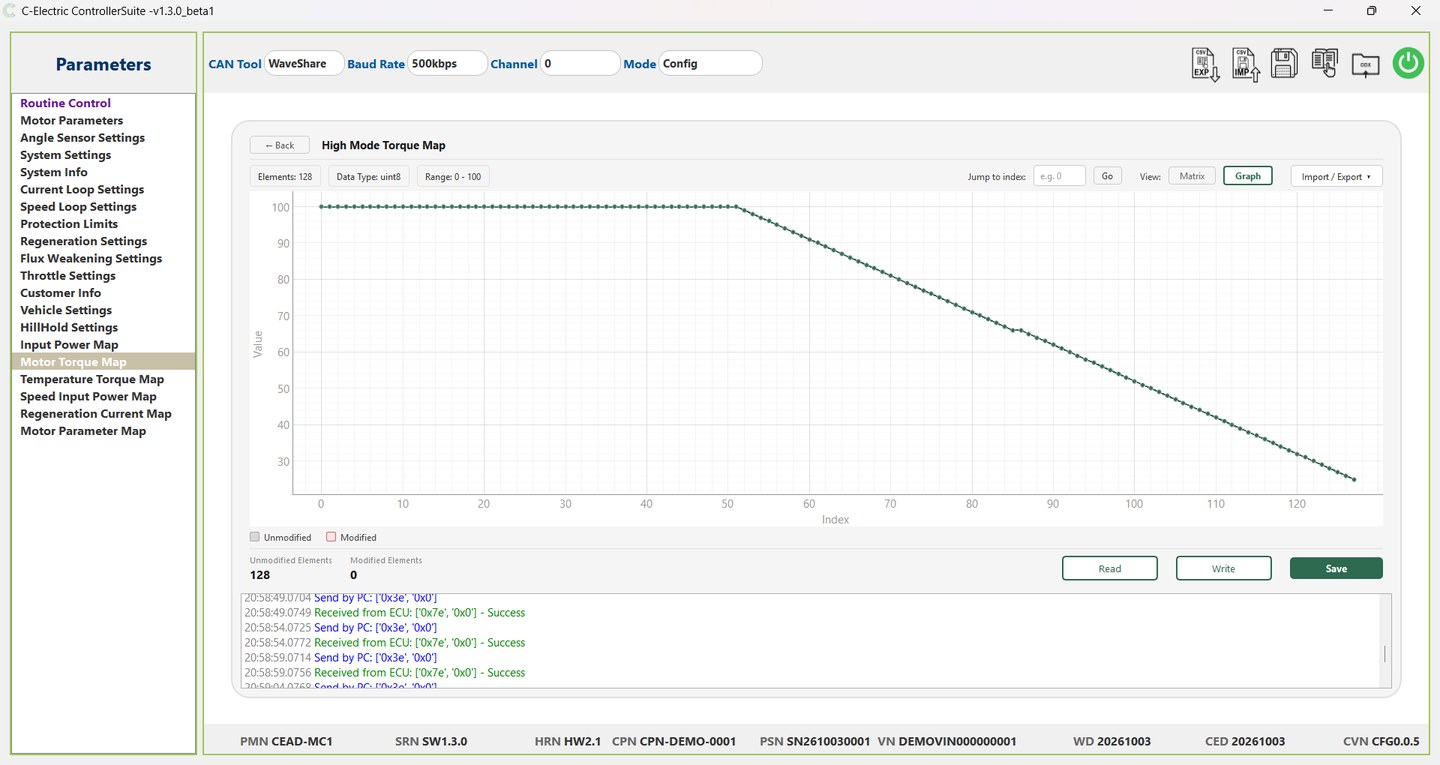
Edit torque, power and derating maps as a grid or a graph.
Read every element of a table in one step, then switch between matrix and graph with one click.
- Spot steps, dips or outliers in a curve at a glance
- Changed cells are highlighted and counted before you write
- Import and export tables as CSV
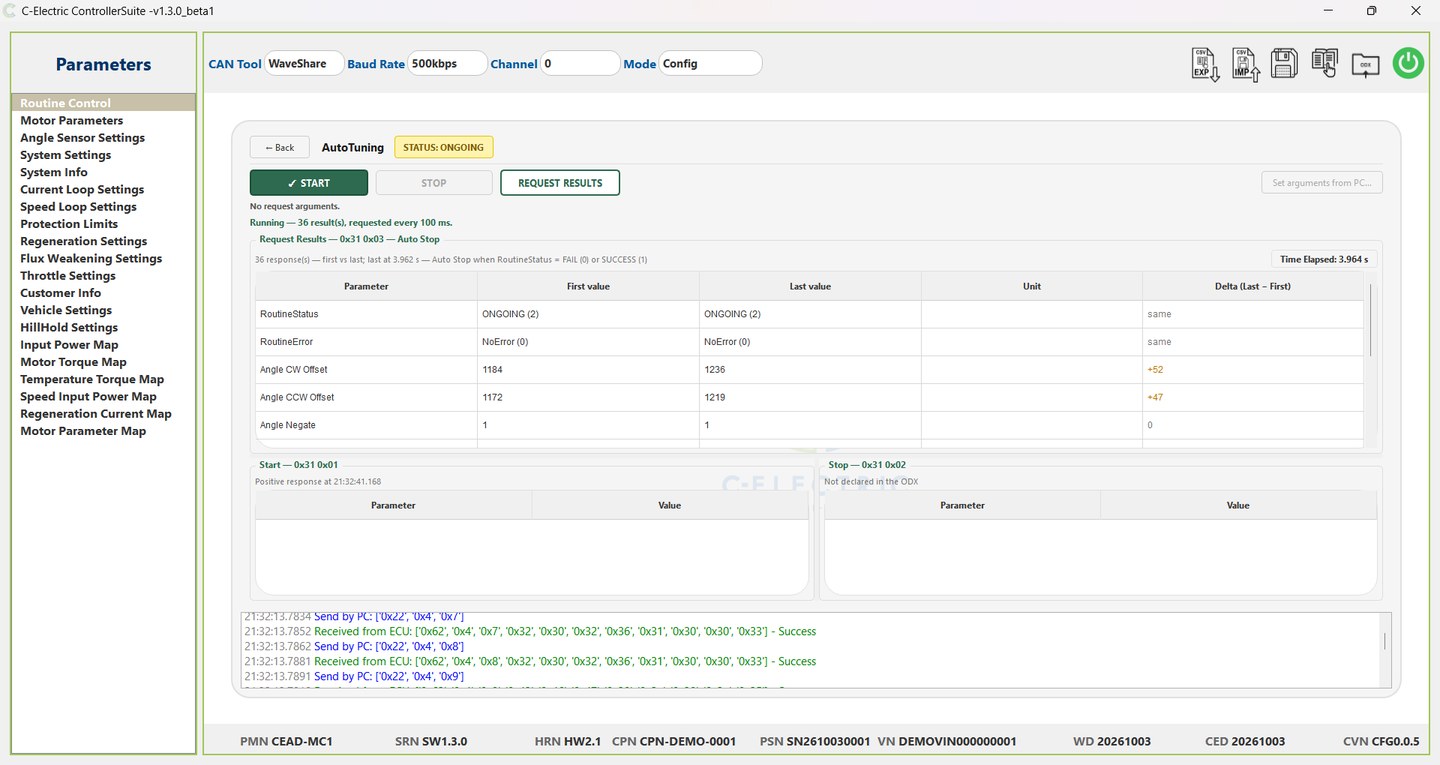
Tune the controller to your motor.
Start a tuning routine and watch the results update while it runs.
- First and last value of every tuned parameter, with the change
- Polling stops on its own when the controller reports success or failure
- Results stay on screen after the run
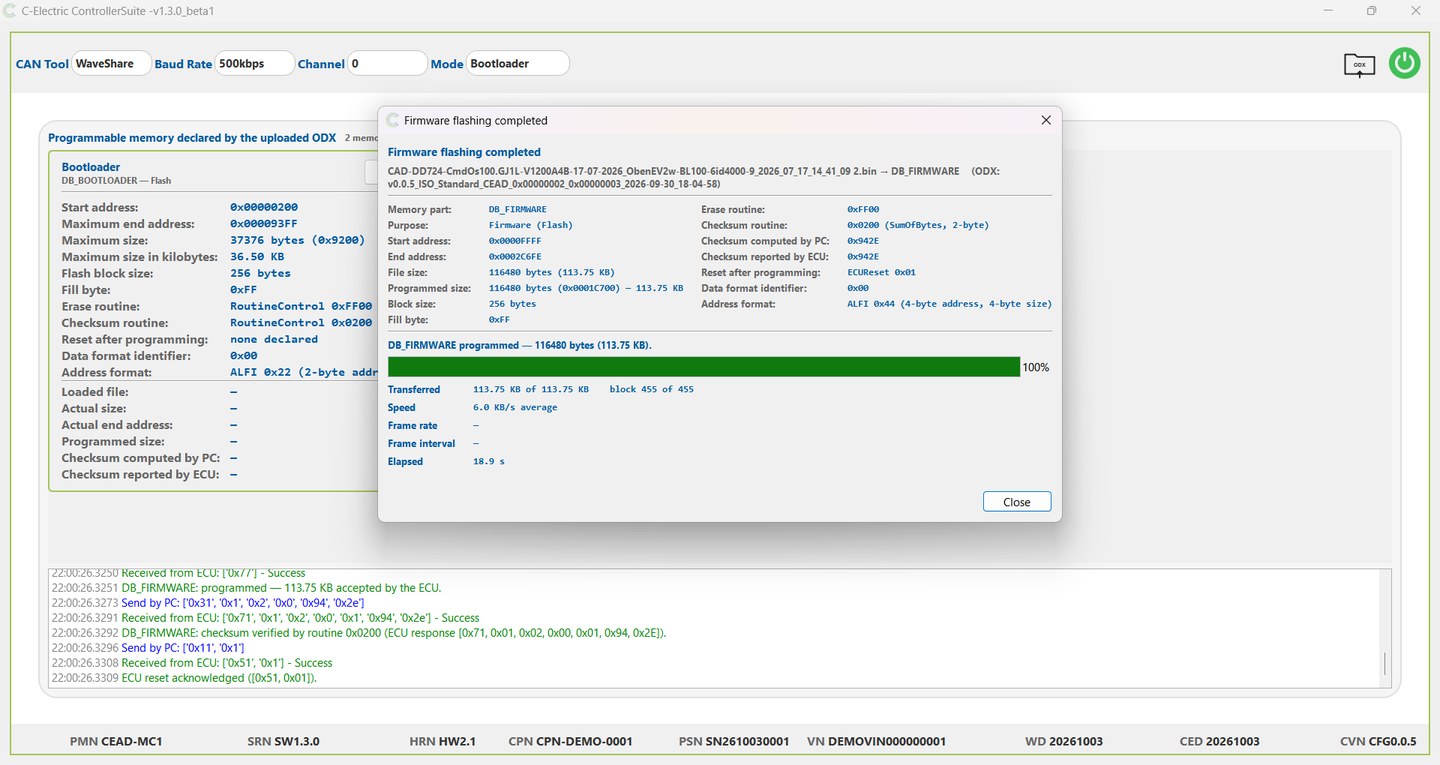
Update firmware and verify the result.
The memory map, addresses and programming steps come from the ODX.
- The image is checked against the target region before flashing starts
- Live progress: blocks transferred, speed and elapsed time
- The checksum computed on the PC is compared with the one the controller reports
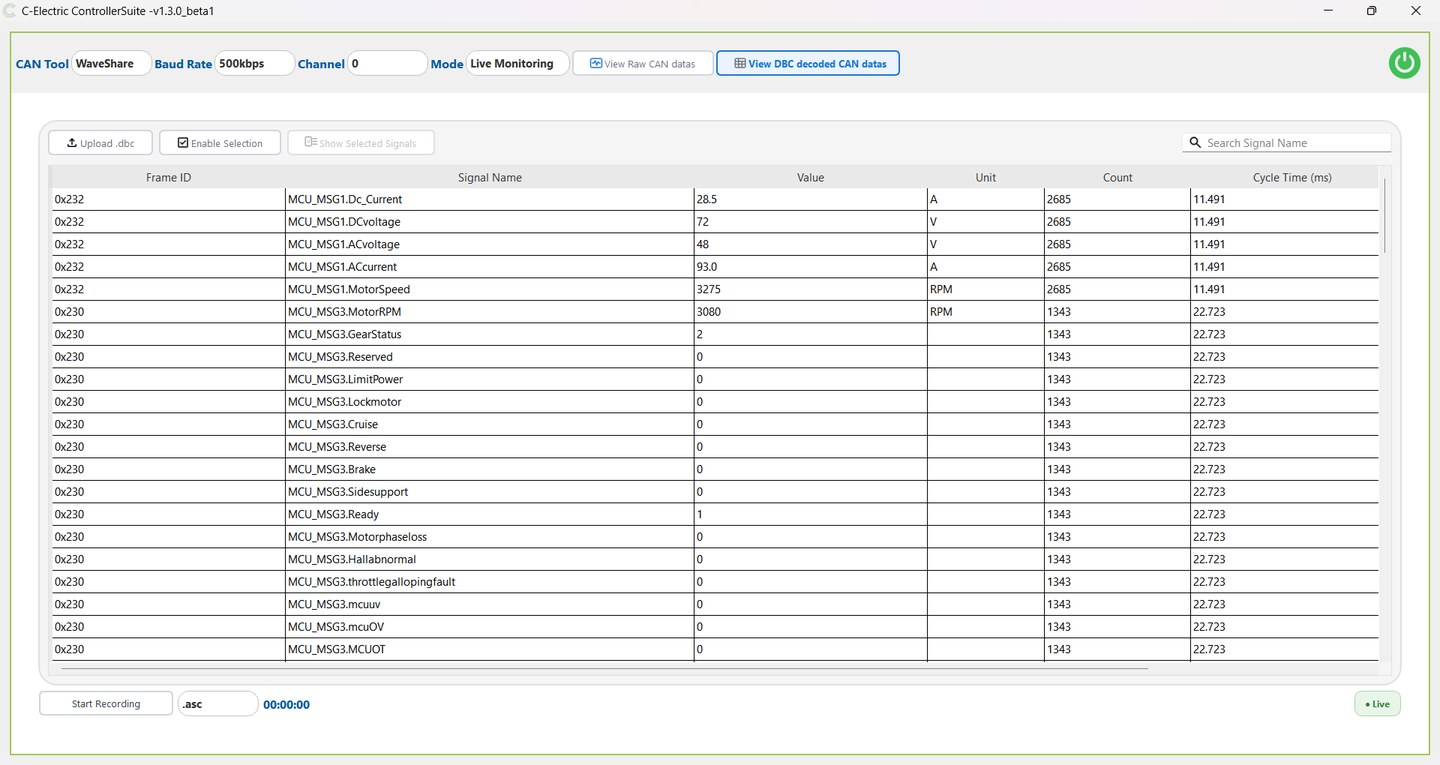
See what the controller is doing, live.
Watch raw CAN frames, or load a DBC file to see named signals with values and units.
- Cycle time per frame and overall receive rate
- Search signals by name and show only the ones you choose
- Record raw frames to .asc or decoded signals to CSV
Your controller's ODX does the setup.
We supply one ODX file for each controller. Parameters, CAN IDs, fault codes, routines and the memory map all come from it, so there is nothing to configure by hand. Every ODX is validated against the ISO standard when it is loaded.
A PC, a CAN adapter and your ODX.
- CAN-USB adapter: WaveShare or PEAK PCAN-USB
- The ODX file for your controller, supplied by C-Electric
- A supported controller: AMP600, DD700 (except DD716, DD721 and DD722) or WV300 series
- A PC running Windows
Want a walkthrough?
Our application engineers can take your team through Controller Suite on your own controller.